
The Best Ergonomic Mechanical Keyboard for Long Coding Sessions
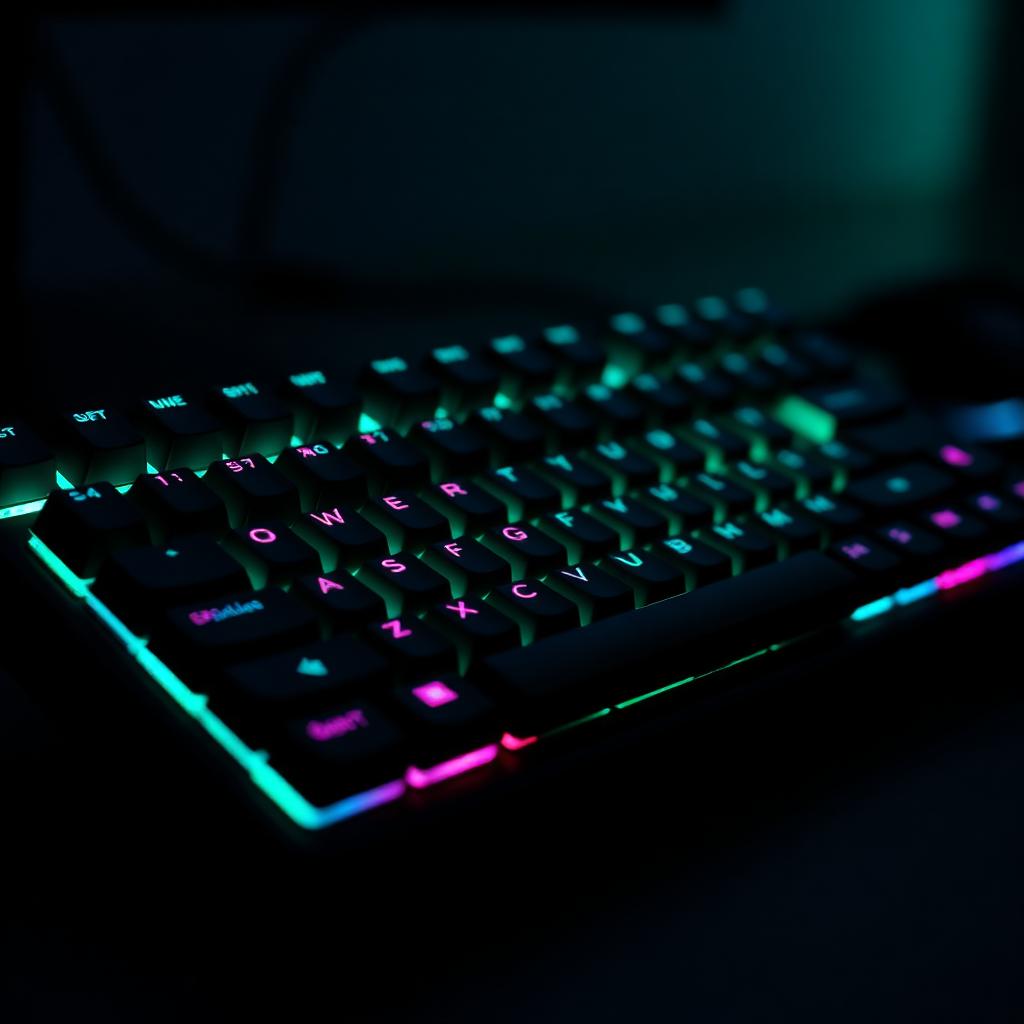
The best ergonomic mechanical keyboard combines physical split geometry with programmable thumb keys. Fancy customization fixes typing friction — it doesn't fix joint fatigue on its own.
TL;DR
- A mechanical board only becomes ergonomic once it's also split, tented, and remapped — the switches alone don't do it.
- Light, hot-swappable switches (35g–45g) stop you from bottoming out on every keystroke.
- Programmable firmware (QMK/ZMK) lets you move heavy keys off your weak pinky and onto your thumb.
- Expensive keycaps and sound dampening are comfort upgrades, not ergonomic ones — don't confuse the two.
What does mechanical ergonomics actually deliver?
An ergonomic mechanical keyboard stacks two separate things on top of each other: physical joint alignment (split halves you can angle to your body) and custom key remapping (firmware that moves keys to wherever your hands actually want them).
Hot-swappable switches — ones you can pull and replace without soldering — let you dial in a low actuation force (35g–45g, linear or lightly tactile) so you're not slamming your fingers into the bottom of every keystroke. On top of that, QMK/ZMK firmware lets you shift heavy modifier keys — Backspace, Enter, Space, Shift — off your weakest finger (the pinky) and onto your strongest one (the thumb).
The evidence is strong that thumb-cluster remapping and split positioning cut forearm strain. It's thin for the idea that pricier keycaps or custom sound-dampening foam do anything for joint fatigue. Ergonomic mechanicals reduce how far your tendons have to travel — they don't reduce your workload.
Key recommendations and setup rules
Top board picks:
- ZSA Moonlander — the widest tenting range and browser-based remapping software that's easy to iterate on.
- Kinesis Advantage360 — the deepest, most concave key wells for maximum finger contouring.
- Glove80 — low-profile Choc switches for a lighter overall feel.
Switch selection:
- Stick to light linear or light tactile switches, 35g to 45g actuation force.
- Skip heavy tactile switches (60g+) and loud clicky switches — both add unnecessary finger work over a long session.
Essential remaps:
- Move Backspace and Enter to your primary thumb keys — they're your two most-used modifiers.
- Build a dedicated symbol layer under your non-dominant thumb for brackets, braces, and operators, so your hands never leave home row for common code syntax.
Frequently Asked Questions
Direct, schedule-realistic answers for desk workers and engineers
Newsletter
One useful workout or gear pick per week.
Written for people who live at a desk. No spam, unsubscribe anytime.